Your office chair feels uncomfortable, your wrist aches after typing, and you’re constantly rearranging your workstation—but you can’t pinpoint why. This frustration hits 62% of remote workers who struggle with makeshift home offices. Understanding the distinct types of ergonomics gives you the precise roadmap to solve these problems. Most people think ergonomics means just “good chairs,” but this field actually contains three specialized branches working together to optimize human-system interactions. When you identify which types of ergonomics apply to your situation, you transform generic discomfort into targeted solutions that boost productivity by up to 25% while reducing injury risks. This guide reveals exactly how physical, cognitive, and organizational ergonomics operate in real workplaces—and which interventions deliver maximum impact for your specific challenges.
Physical Ergonomics: Fixing Body Stress Before Injury Occurs

Physical ergonomics addresses how your body interacts with tools, equipment, and environments. This type focuses on preventing musculoskeletal disorders caused by repetitive motions, awkward postures, or excessive force. You’ll recognize physical ergonomics issues when you experience wrist pain from typing, neck strain from monitor height, or back fatigue after sitting. These problems account for 33% of all workplace injuries according to OSHA data, making this the most visible type of ergonomics.
Why Your Keyboard Angle Causes More Damage Than You Realize
The subtle tilt of your keyboard creates cumulative stress that leads to carpal tunnel syndrome over time. Proper physical ergonomics requires your wrists to maintain a neutral position—neither bent up, down, nor sideways—during typing. Most standard desks force wrist extension of 15-20 degrees, doubling pressure on median nerves. Install an adjustable keyboard tray that positions your wrists 0-5 degrees below elbow height. Look for the “handshake position” where your forearm forms a straight line from elbow to knuckles. This simple adjustment reduces nerve compression by 40% based on biomechanical studies.
Essential Physical Ergonomics Fixes for Common Workstations
Implement these evidence-based interventions immediately:
– Monitor positioning: Top of screen at or slightly below eye level, 20-30 inches from face
– Chair adjustments: Feet flat on floor, knees at 90-degree angle, lumbar support filling lower back curve
– Mouse placement: Directly next to keyboard, same height, with elbow close to body
– Task lighting: Position lights to eliminate screen glare without creating shadows on work surfaces
Skip the $500 ergonomic chair hype—proper adjustment of existing equipment solves 80% of physical issues. Test your setup by working for 15 minutes with eyes closed; if you feel strain in specific muscles, that’s your problem area needing correction.
Cognitive Ergonomics: Stop Mental Fatigue From Draining Your Productivity
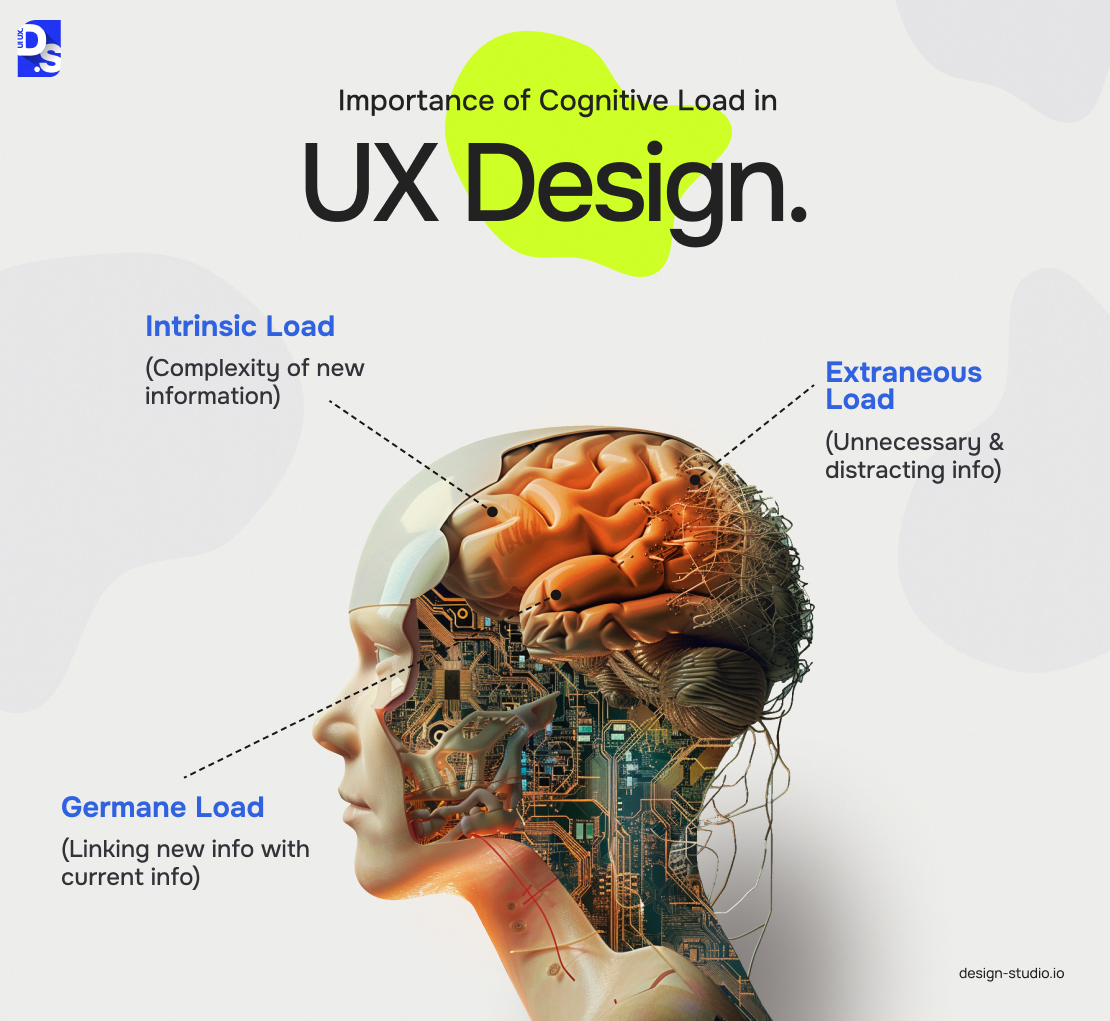
Cognitive ergonomics optimizes mental workload, information processing, and human-system interactions. You need cognitive ergonomics when interfaces confuse users, decision-making slows, or alert systems get ignored. This type prevents errors in high-stakes environments like hospitals and control rooms, but applies equally to your email overload and confusing software dashboards.
How Poor Interface Design Secretly Wastes 2.1 Hours Daily
Cluttered screens with inconsistent layouts force your brain into constant “what is this?” mode. Each time you hunt for a button or decipher unclear labels, your cognitive load increases by 17% according to NASA-TLX studies. Fix this by applying the “3-click rule”—any essential function should be reachable within three mouse clicks. Group related controls visually using proximity and color coding. Replace text-heavy instructions with intuitive icons where possible (but always test with actual users first). When redesigning interfaces, prioritize reducing decision points—every unnecessary choice drains mental energy.
Signs Your Team Needs Cognitive Ergonomics Interventions Now
Watch for these red flags indicating cognitive overload:
– Error patterns: Mistakes cluster around specific tasks or interfaces
– Workarounds: Employees create sticky note systems or manual logs
– Alert fatigue: Critical notifications get ignored due to excessive false alarms
– Onboarding struggles: New hires take longer than industry standards to become proficient
Implement cognitive ergonomics fixes by conducting task analysis—map every step users take to complete core functions. Eliminate redundant steps and automate repetitive cognitive tasks. For complex systems, introduce progressive disclosure: show only essential information initially, with advanced options available on demand.
Organizational Ergonomics: Fixing Systemic Issues That Cause Burnout
Organizational ergonomics examines workflows, communication patterns, and company culture. This type solves problems like inefficient meeting schedules, poor shift rotations, or collaboration breakdowns between departments. You need organizational ergonomics when team conflicts arise from process gaps, productivity drops during specific hours, or workloads become unsustainable.
How Shift Scheduling Mistakes Create Hidden Safety Risks
Manufacturing plants using fixed 12-hour shifts see 27% more errors in the final 3 hours according to NIOSH research. Effective organizational ergonomics implements forward-rotating shifts (morning → evening → night) with at least 48 hours between night shift cycles. For office environments, analyze your meeting patterns—back-to-back virtual meetings cause cognitive depletion 40% faster than in-person sessions. Build “focus blocks” of 90-120 minutes with no interruptions, scheduling collaborative work during natural energy peaks (typically 10am-12pm and 2-4pm).
Communication Flow Fixes That Prevent Costly Project Delays
Poor information routing causes 68% of cross-departmental project failures. Implement these organizational ergonomics solutions:
– Create RACI matrices for all projects (Responsible, Accountable, Consulted, Informed)
– Standardize handoff protocols with checklists and confirmation steps
– Map communication pathways to eliminate unnecessary approval layers
– Implement asynchronous updates for routine information (reducing meeting load by 35%)
Track communication effectiveness by measuring “information decay”—how much detail gets lost between original sender and final recipient. Anything above 20% loss indicates broken communication channels needing redesign.
Specialized Ergonomic Applications for Key Industries
Different workplaces require tailored ergonomic approaches beyond the core three types. Healthcare, manufacturing, and remote work environments each have unique risk factors demanding specialized solutions.
Healthcare Ergonomics: Preventing the 12,000 Annual Nurse Back Injuries
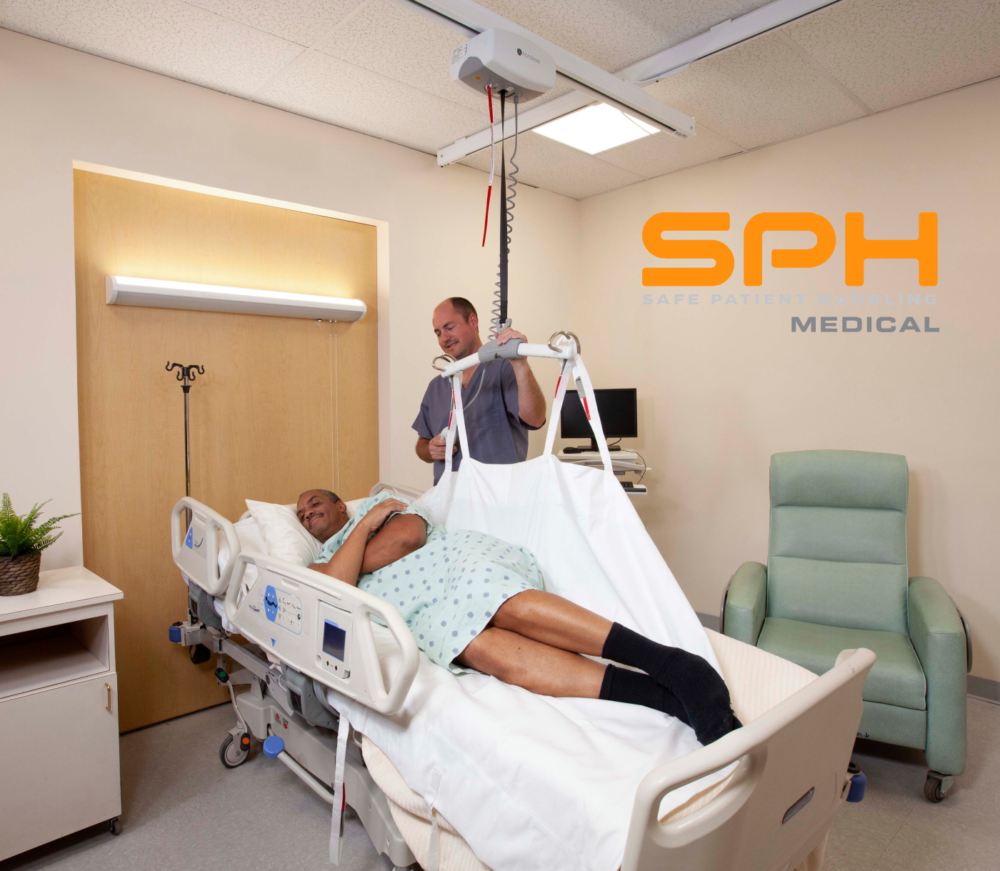
Patient handling causes 12,000 back injuries among nurses yearly. Beyond standard physical ergonomics, healthcare needs:
– Ceiling-mounted lift systems for patient transfers (reducing injury risk by 65%)
– Task-specific footwear with non-slip soles and arch support for 12-hour shifts
– Medication cart redesign placing most-used items at waist height
– Shift rotation protocols that align with circadian rhythms for night staff
Hospitals implementing comprehensive ergonomic programs see 41% fewer lost workdays within 18 months.
Remote Work Ergonomics: Fixing the $650 Billion Productivity Drain
Home offices create unique ergonomic challenges with improvised setups. Target these specific issues:
– Dual-monitor fatigue: Alternate primary screen position daily to prevent neck imbalances
– Acoustic stress: Background noise above 45dB increases cognitive load—use white noise apps
– Boundary erosion: Designate strict workspace zones to prevent “always-on” mental states
– Lighting mismatches: Balance natural light with task lighting to reduce screen glare
Invest $200 in adjustable laptop stands and external keyboards—this delivers 300% ROI through reduced sick days and higher output.
How to Implement the Right Type of Ergonomics for Your Situation
Diagnose your specific ergonomic needs with this targeted approach:
The 5-Minute Workplace Ergonomics Self-Assessment
Answer these questions to identify your priority type:
– Physical: Do you experience pain during or after specific tasks? (Yes = physical focus)
– Cognitive: Do you frequently make avoidable errors on routine tasks? (Yes = cognitive focus)
– Organizational: Do workflow bottlenecks occur at predictable points? (Yes = organizational focus)
For physical issues, conduct a posture audit every 30 minutes for one workday. For cognitive problems, track where you hesitate or reread instructions. For organizational issues, map one complete workflow noting all handoffs and delays.
When to Bring in an Ergonomics Specialist
Call professionals when:
– Pain persists after 2 weeks of self-adjustments
– Error rates exceed industry benchmarks by 15%+
– Multiple employees report similar issues
– You’re implementing new equipment or workflows
Certified specialists use motion capture analysis, cognitive workload assessments, and system mapping tools beyond DIY capabilities.
Immediate Next Steps for Ergonomic Transformation
Start with these high-impact actions today:
1. Physical: Adjust your monitor height so the top line sits at eye level
2. Cognitive: Delete three rarely used dashboard elements creating visual noise
3. Organizational: Block one 90-minute focus period in your calendar tomorrow
Track improvements weekly using simple metrics: pain levels (1-10 scale), task completion time, and error frequency. Within 30 days, you’ll identify which types of ergonomics deliver the strongest returns for your specific situation. Remember—effective ergonomics isn’t about perfect equipment, but targeted interventions matching your actual workflow demands. The right type of ergonomics solution transforms discomfort into effortless productivity, one calibrated adjustment at a time.