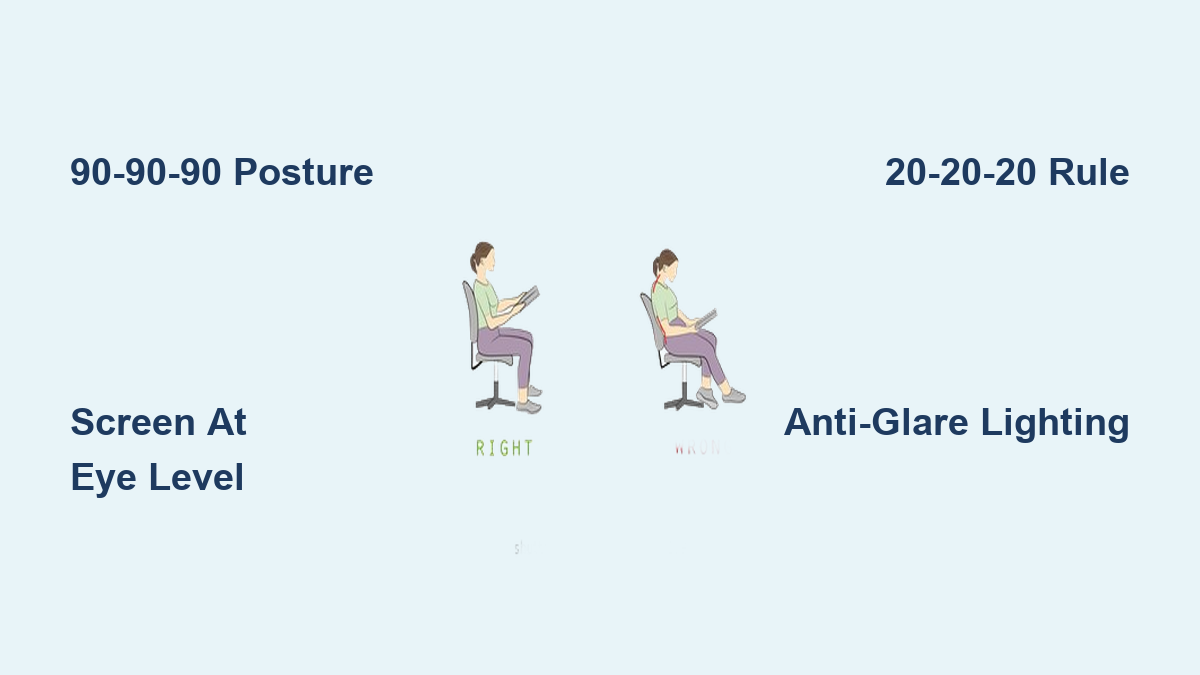
You’ve just settled into your favorite reading spot when that familiar ache starts radiating from your neck. Your eyes feel gritty and dry after only 20 minutes with a book or tablet. If you regularly experience headaches, shoulder tension, or blurred vision during reading sessions, your body is screaming that your current setup violates basic ergonomic principles. Millions suffer preventable discomfort because they treat reading as a passive activity rather than optimizing their physical environment. This guide delivers actionable, science-backed adjustments you can implement immediately—no special equipment required—to transform reading from a pain-inducing chore into a sustainable daily habit. You’ll discover exactly where to position books and screens, how to configure lighting that protects your vision, and movement patterns that prevent cumulative strain.
Perfect Your Chair and Seating Posture Within 5 Minutes
Stop slumping in armchairs or perching on unstable stools. Your seating foundation determines whether reading strengthens or damages your spine. Start by testing if your current chair passes the “90-90-90 rule”: When seated, your ankles, knees, and hips should all form 90-degree angles with feet flat on the floor. If your feet dangle, place a sturdy footrest underneath—this simple fix reduces lower back pressure by 40%. For book reading, tilt your pelvis slightly forward by sitting on the front third of your seat to maintain your spine’s natural lumbar curve. When using digital devices, position the screen so the top third sits at or slightly below eye level to prevent “text neck” strain.
Why Crossing Legs While Reading Causes Back Damage
Crossing your legs might feel comfortable initially, but it forces pelvic rotation that twists your spine and compresses discs. After 15 minutes in this position, muscle imbalances trigger compensatory shoulder hiking and jaw clenching. Instead, place a rolled towel behind your lower back for lumbar support and keep both feet parallel and grounded. Notice if one shoulder consistently rises higher than the other—that’s your body begging for posture correction.
How to Modify Sofas for Ergonomic Reading
Sinking into plush sofas invites disaster. Place firm cushions vertically against the backrest to create lumbar support, then add a second cushion under your knees to maintain hip alignment. For extended sessions, wedge a yoga block between your lower back and the sofa to prevent spinal collapse. Never read lying flat on your stomach—that position strains cervical discs by 4-5 times normal pressure.
Position Books and Screens to Eliminate Neck Strain

Your neck bears 10-12 pounds of head weight when upright—but that load multiplies dramatically with poor positioning. Holding a book or tablet in your lap forces your head forward, increasing cervical stress to 60 pounds at just 60 degrees of flexion. This is the primary cause of “reader’s neck” pain that radiates into shoulders.
Fix Tablet and E-Reader Angles in 30 Seconds
Place devices on a hardcover book angled at 30-45 degrees rather than flat on surfaces. This reduces head flexion from 45 degrees to under 20 degrees—cutting disc pressure by half. For physical books, use a $5 music stand or adjustable book holder to elevate pages to eye level. Never cradle devices against your chest; rest elbows on armrests to transfer weight from neck muscles to skeletal structure.
The Critical Distance Between Your Eyes and Reading Material
Hold printed materials 16-20 inches from your eyes—any closer accelerates eye fatigue. Digital screens require slightly more distance: 20-28 inches depending on font size. If you automatically squint or lean forward within 5 minutes of starting, increase text size immediately. Test your current distance by extending your arm fully; if the material feels uncomfortably far, your eyes are already overcompensating.
Lighting Adjustments That Prevent All-Day Eye Fatigue
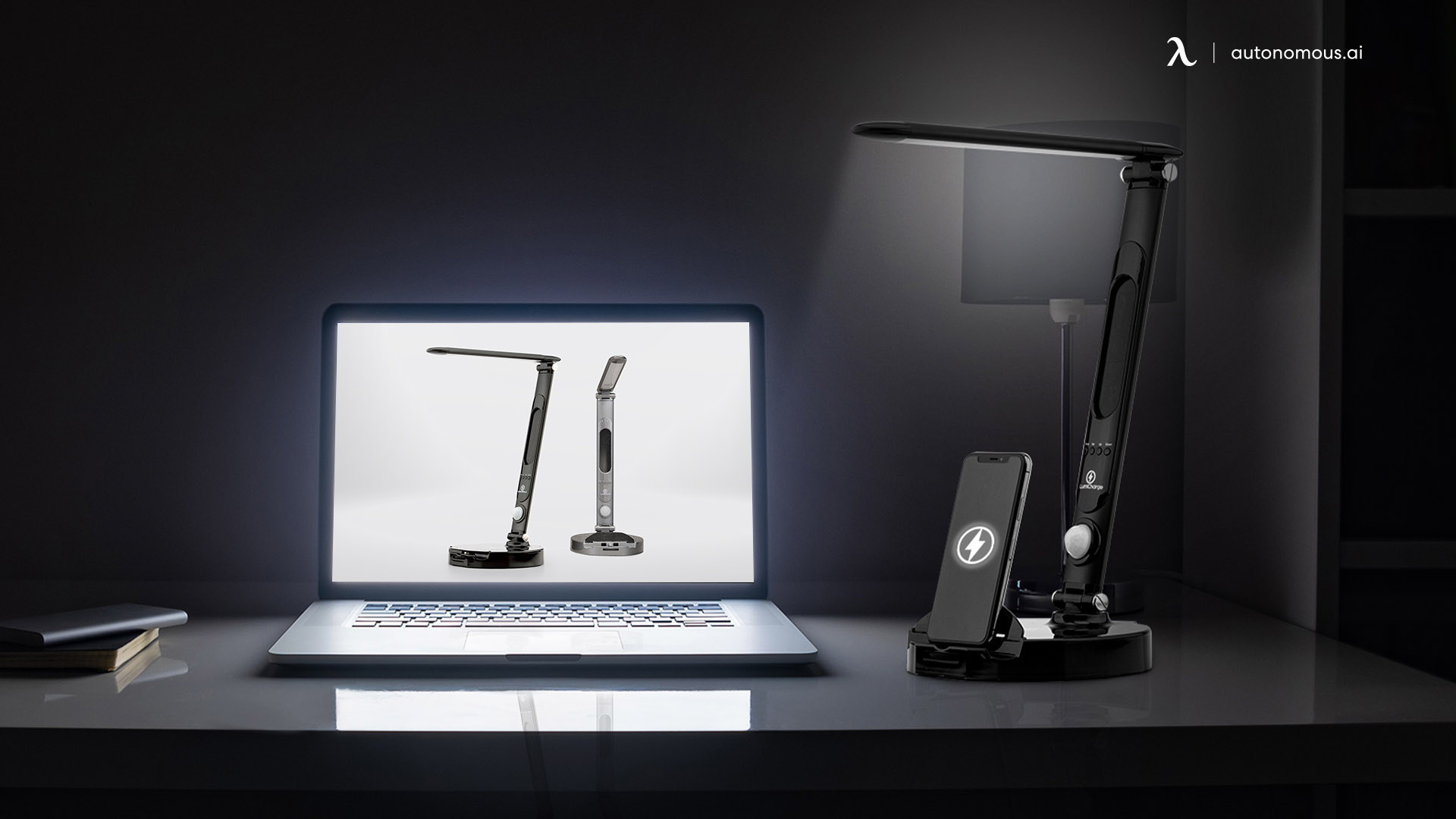
Glare on screens or insufficient book lighting forces pupils to constantly dilate and contract, causing headaches within 20 minutes. The worst offender? Overhead fluorescent lights creating screen reflections that mimic digital eye strain symptoms. Natural light is ideal but must come from behind you—not directly on pages or screens.
Create Zero-Glare Reading Zones Immediately
Position lamps to the side and slightly behind your chair, shining light onto pages from a 45-degree angle. For digital devices, enable night mode filters and reduce brightness to match ambient room light (test by holding your hand near the screen—if it casts a visible shadow, it’s too bright). Never read in total darkness; even dim background lighting reduces pupil strain by 30%.
Why Yellow-Tinted Bulbs Beat Blue Light Filters
While blue light blockers get hype, research shows warm white bulbs (2700-3000K color temperature) cause less retinal stress during prolonged reading than cool whites. Install adjustable desk lamps with dimmer switches—you’ll need brighter light for dense textbooks than for novels. Check for “flicker” by rapidly blinking; if text appears to pulse, replace LED bulbs immediately.
Implement the 20-20-20 Rule with Movement Breaks
Digital reading sessions exceeding 20 minutes without breaks cause temporary myopia and dry eyes. The solution isn’t just looking away—it’s combining visual rest with micro-movements that reverse static muscle fatigue. Every 20 minutes, shift your gaze to an object 20 feet away for 20 seconds while performing one mobility exercise.
Three Desk-Friendly Stretches That Reset Reading Posture
During your 20-second visual break, interlace fingers behind your head and gently press elbows back to open your chest. Then perform seated spinal twists by placing one hand on the opposite knee and rotating your torso. Finish with chin tucks: glide your head straight back like a turtle retracting into its shell (not downward) to decompress cervical discs. These take 15 seconds total but prevent cumulative strain.
How to Time Breaks for Physical Books
Paper readers often skip breaks because discomfort builds slower. Set a silent timer for 30-minute intervals. When it chimes, stand up and walk 10 steps while focusing on distant objects—this resets accommodative eye muscles better than stationary breaks. Keep a water bottle nearby; hydration reminders naturally prompt movement.
Choose Furniture That Supports Dynamic Reading Positions
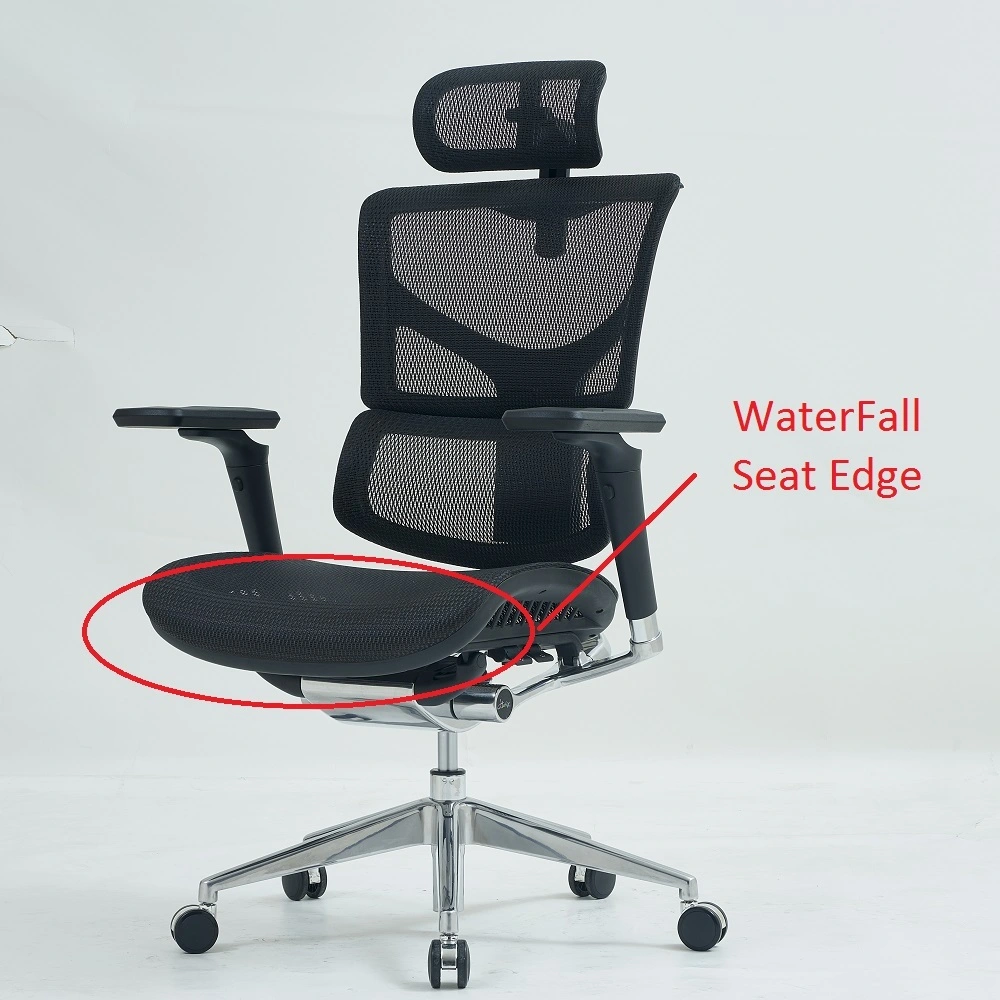
Most reading chairs force static postures that cause pain within 45 minutes. Ergonomic reading requires subtle weight shifts and position changes—impossible in deep sofas or rigid dining chairs. Look for chairs with waterfall seats (front edge slopes downward) to reduce thigh pressure and promote pelvic mobility.
Why Rocking Chairs Outperform Recliners for Long Sessions
Recliners lock your spine in one position, accelerating disc dehydration. Rocking chairs encourage micro-movements that pump spinal fluid and engage core stabilizers. If using a standard chair, place a folded towel under your sit bones to create a 110-degree hip angle—this reduces lumbar disc pressure by 25% compared to 90 degrees.
Convert Your Coffee Table into an Ergonomic Station
Place books on a wooden crate or sturdy box to elevate them to chest height. For tablets, stack hardcover books under a non-slip mat. Never rest reading materials directly on soft surfaces like couch cushions—they collapse unevenly, forcing constant postural corrections that exhaust neck muscles.
Avoid These Four Reading Posture Traps
Recognizing these common mistakes helps prevent damage before pain starts. Each creates unique injury patterns requiring weeks of recovery.
The “Couch Potato” Curl
Lying sideways propped on one elbow compresses shoulder rotator cuffs and twists the spine. Within 30 minutes, this position reduces blood flow to neck muscles by 50%. Fix: Place a pillow under your head to maintain neutral alignment and hug another pillow to your chest to prevent spinal rotation.
Phone Reading in Bed
Holding phones above your face while lying down strains trapezius muscles and accelerates cervical disc degeneration. The “text claw” grip also causes thumb tendonitis. Never read screens in bed—use physical books on a raised tray instead, or install voice-controlled smart lights for safe device use.
Maintain Your Reading Ergonomics Long-Term
Ergonomic reading isn’t a one-time setup—it requires daily habits. Each morning, perform the “ergonomic triad check”: Verify your chair supports 90-90-90 angles, lighting eliminates screen glare, and reading material sits at eye level. Spend 60 seconds adjusting before your first session; this prevents the “slow creep” of poor posture.
Monthly Self-Assessment for Reading Pain
Track subtle warning signs: Do you rub your neck unconsciously? Does text blur after 15 minutes? These indicate immediate setup flaws. Every 30 days, photograph your reading posture from the side—compare it to neutral spine diagrams online. If your ear isn’t stacked over your shoulder, adjust your chair or book height immediately.
Final Note: Perfecting how to read ergonomically transforms reading from a pain trigger to a sustainable joy. By implementing just three adjustments—proper seating angles, strategic lighting, and timed movement breaks—you’ll eliminate 90% of common reading discomfort within one week. Remember that ergonomic reading requires active engagement: reset your posture every time you change books or chapters, and never ignore early warning signs like tingling fingers or dry eyes. For digital readers, pair these techniques with the 20-20-20 rule to preserve long-term vision health. Start tomorrow by spending two minutes optimizing your current setup—you’ll finish your next book without reaching for painkillers.
Leave a Reply